What you can now see inside Performance Max: channels, search terms, audiences and placements

Performance Max was a black box for a long time. Now it has channel reporting, full search terms reporting and asset metrics, and in 2026 Google is adding customer list exclusions, a budget report, audience reporting and placements by network. What to look at and how to act on it.
What has Google opened up in Performance Max?
On 30 April 2025 Google announced three changes. The channel performance report shows how a campaign does across Search, YouTube, Discover, Gmail, Display, Search partners and Maps, with format breakdowns, diagnostics and a downloadable table of clicks, conversions and cost. Search terms reporting gives the same detail as Search and Standard Shopping campaigns. Asset reports now show impressions, clicks and cost alongside conversions.
What's being added in 2026?
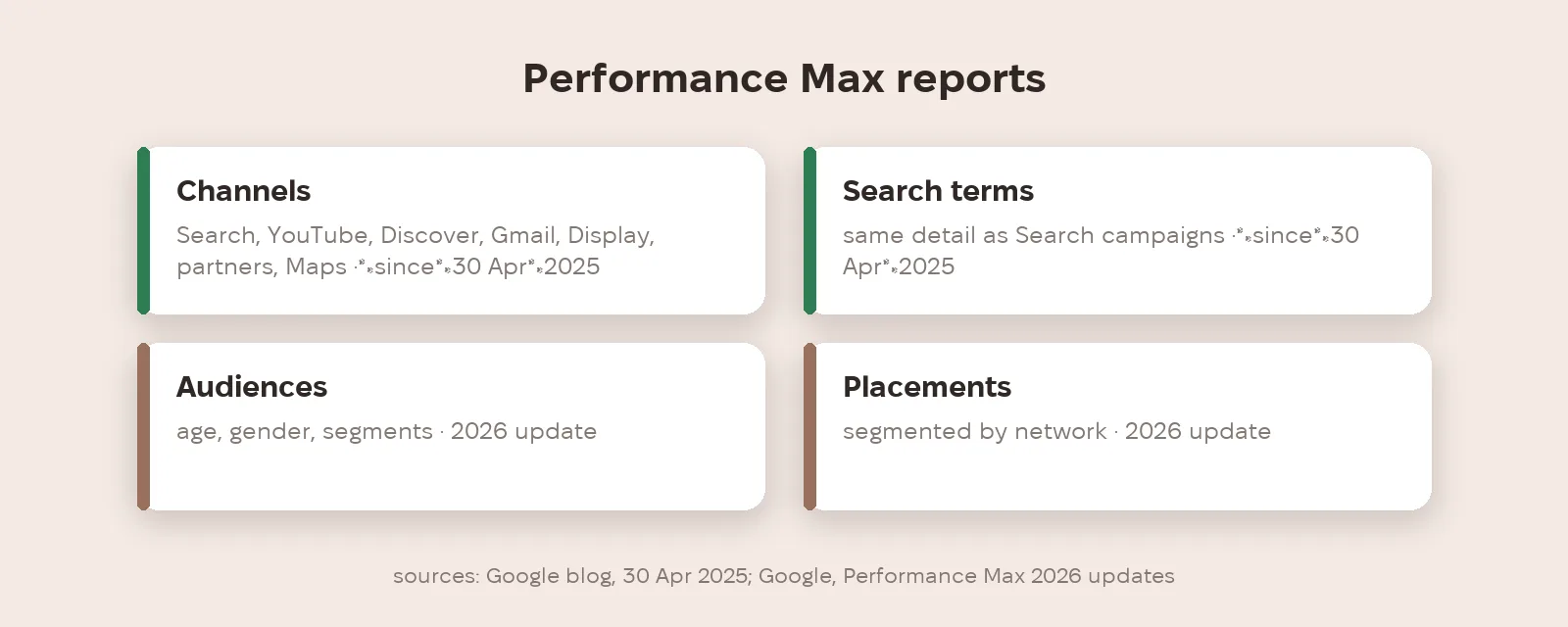
In its article on 2026 updates, Google lists four more. Customer lists can now be excluded from Performance Max campaigns, available now. A budget report projects spend to the end of the month. Audience reporting breaks results down by age, gender and segment. Placement reports can be segmented by network and now sit under the When and where ads showed tab. Apart from exclusions, Google gives no dates for most of these.
How do you steer, not just watch?
Reports show where the money went; the new channel priority settings help you steer it. In Performance Max, Search, YouTube, Maps, Gmail and Discover are grouped as Google channels and are prioritised only together — more in our article on channel priority and budget limits. Customer list exclusions are another lever: if the campaign's goal is new buyers, you can remove existing customers from its reach.
What should you check every month?
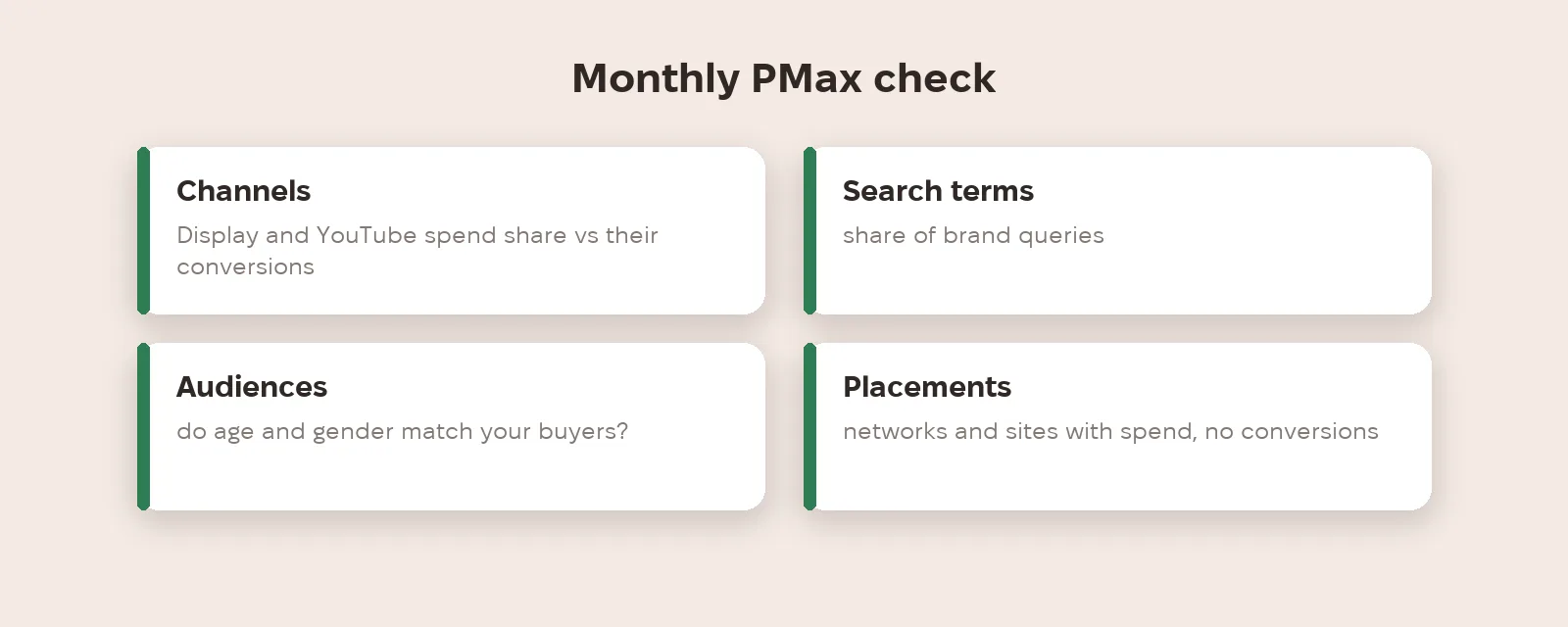
Once a month, go through four reports. Channels: what share of spend Display and YouTube take and how many conversions they bring. Search terms: what share are brand queries the campaign may be taking from your Search campaign. Audiences: do age and gender match your buyers. Placements: are there networks or sites where money goes with no result.
What to do now
- Open the channel performance report in every Performance Max campaign and download the distribution table.
- Review the search terms report and calculate the share of brand queries.
- If your goal is new customers, exclude existing customer lists from the campaign.
- Check the budget report to see whether the campaign will overshoot this month's plan.
- Segment placements by network and find those with spend but no conversions.
Metriverra shows Performance Max spend and conversions next to your other channels, so it's easy to spot when PMax takes budget without results.
In short
- Since 30 April 2025 PMax has channel reporting, full search terms reporting and asset metrics.
- In 2026: customer list exclusions, budget report, audience reporting, placements by network.
- Customer list exclusions are available now; Google gives no dates for the rest.
- Google channels in PMax are prioritised only as a group.
- Check channels, search terms, audiences and placements monthly.
Sources: Google — Channel performance and more reporting coming to Performance Max (30.04.2025) · Google — New Performance Max steering and reporting updates coming in 2026