Google Ads conversions: how to check your tag works and why conversion value isn't revenue

Fewer conversions in Google Ads while sales look fine? Here are the five conversion statuses from Google's help centre, the Last Event Ping that shows when your tag last fired, and the report that separates original conversion value from value rule adjustments.
What conversion statuses are there?
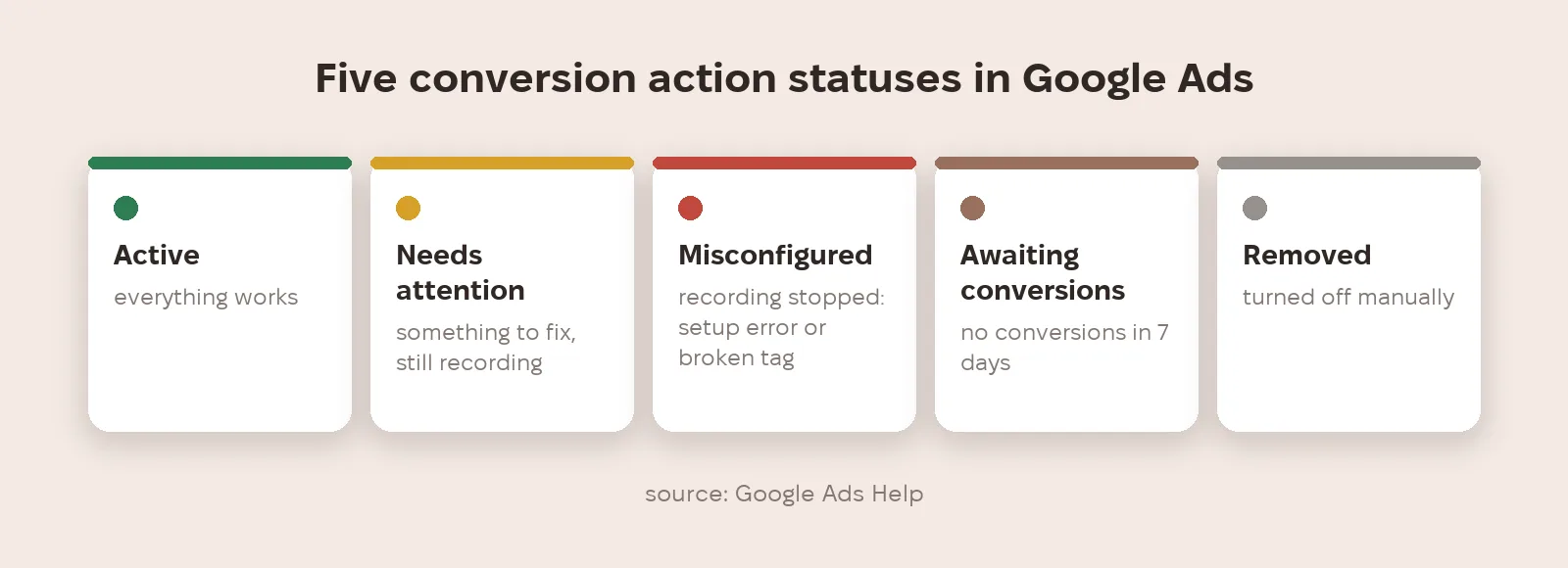
According to Google's help centre, a conversion action has five statuses. Active: everything works. Needs attention: there's something to fix, but conversions are still recorded. Misconfigured: recording stopped because of a setup error or a broken tag. Awaiting conversions: none recorded in the last 7 days; usually the action was created under 48 hours ago, campaigns are paused or the site gets little traffic. Removed: the action was turned off manually.
What does Last Event Ping show?
In July 2026 practitioners spotted a new Last Event Ping on the conversion status card: hover over it to see the date and time your tag last fired, even with no conversion. Google hasn't announced it separately; Search Engine Roundtable covered it from a LinkedIn screenshot. It's useful because it separates two different failures: the tag isn't loading at all, or the tag is alive but the conversion event never happens.
Why doesn't conversion value match revenue?
If your account uses conversion value rules (say, +30% for new customers or a multiplier for a region), the Conversion value column already shows the adjusted amount. The value rule adjustment report (Campaigns → segment → Conversions) splits it into original value with a rule applied, original value with no rule applied and the adjustments themselves. Google states that value rules work for both optimisation and reporting, and Target ROAS and Maximize conversion value optimise to the adjusted values.
How do you find the cause in five minutes?
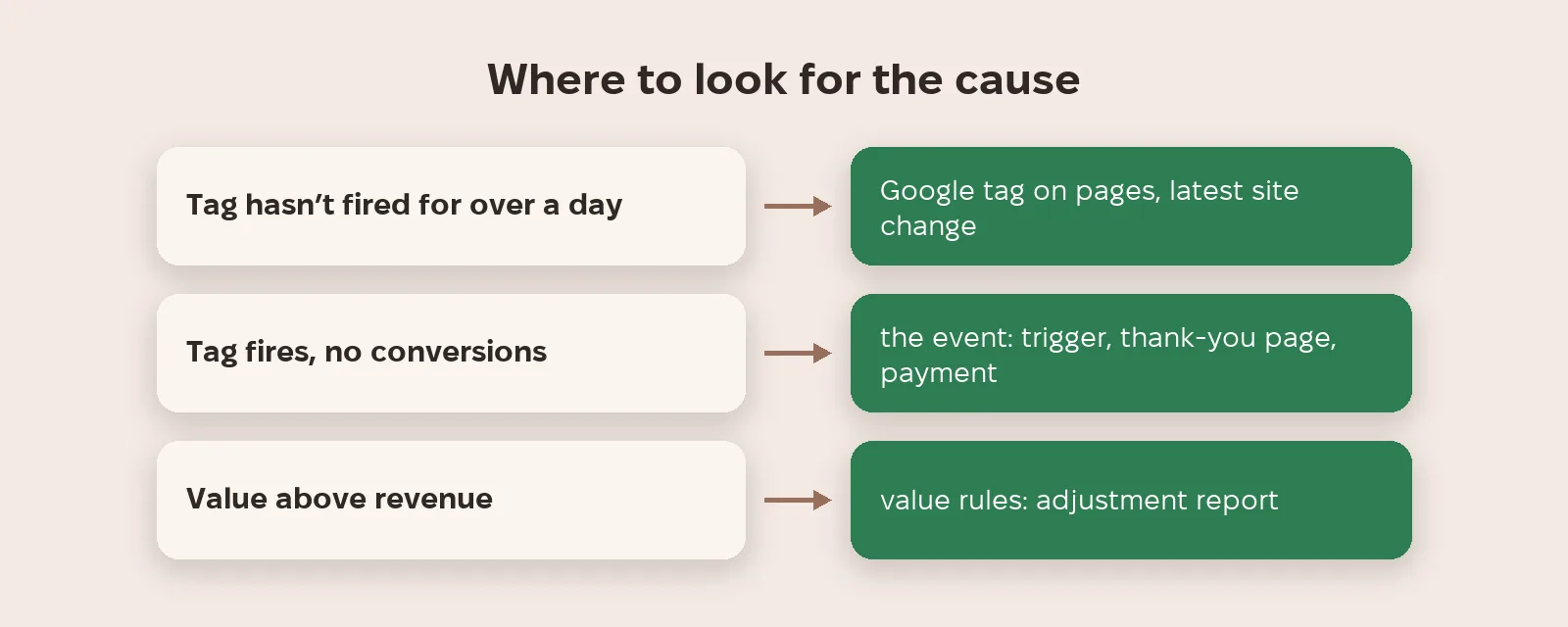
Check in this order: first the conversion action status; then Last Event Ping, when the tag last fired; then whether adjusted value matches revenue in your CRM or store. No recent firing: look at the tag or the site. Tag fires but no conversions: look at the event itself (trigger, thank-you page, payment). Value above revenue: see which rules inflate it.
What to do now
- Open Goals → Conversions and find actions with any status other than Active.
- Hover over the status to see Last Event Ping, if it has reached your account.
- Tag silent for over a day: check the Google tag is on every page and that the latest site change didn't break it.
- Open the value rule adjustment report and compare original value with revenue for the same period.
- Calculate ROAS twice: on adjusted value (what your bid strategy sees) and on original value (what your accountant sees).
Metriverra shows Google Ads conversions and value next to your store orders, so the gap between ad-reported value and real revenue is visible straight away.
In short
- Five conversion statuses: Active, Needs attention, Misconfigured, Awaiting conversions, Removed.
- Awaiting conversions means no conversions in 7 days.
- Last Event Ping is when the tag last fired; spotted by practitioners, not officially documented by Google.
- Value rules change both reports and value-based bidding.
- The value rule adjustment report shows original value separately from adjustments.
Sources: Google Ads Help — Conversion action statuses · Google Ads Help — View your conversion value rules report · Search Engine Roundtable — Google Ads Conversions Last Event Ping Timestamp (08.07.2026)