Google Tag Manager and the Google tag in 2026: what changed and what to check in your container

In 2026 Google brought Tag Manager and the Google tag closer: containers send data directly, visual event setup arrived, gtag('config') behaviour changed and tag gateway left beta. Here's what the official release notes say and what to check so your analytics doesn't break.
What did Google change in Tag Manager and the Google tag?
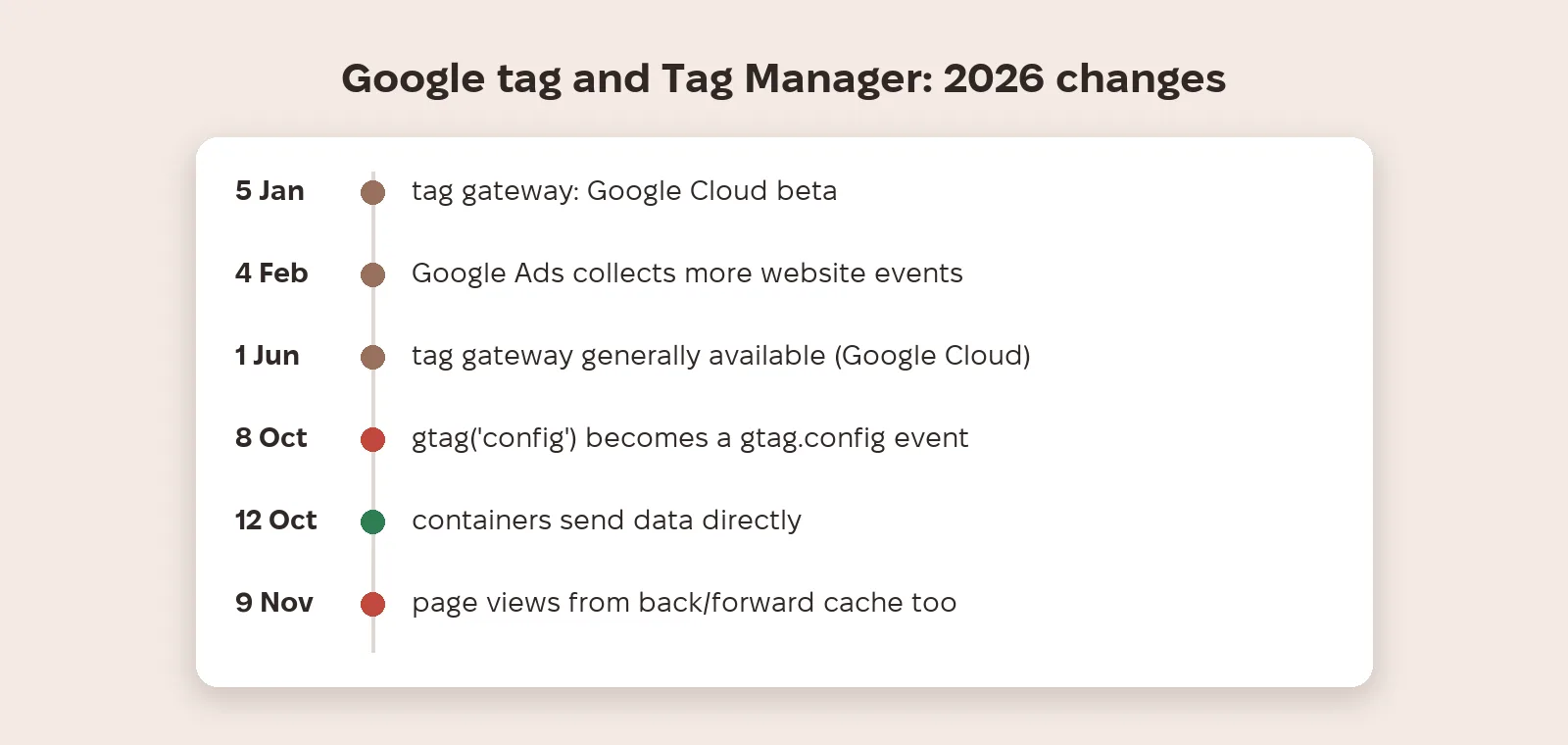
On its New for 2026 page, Google says it has brought all of Tag Manager's capabilities to the Google tag. Containers no longer need to load gtag.js as an intermediary step, which Google says improves performance, and settings and access for all tags are managed in one place. New visual tagging lets you track events by clicking a page element, without manually creating a tag, trigger and variable. On 12 October 2026 the release notes added Optimizing Google Tag Manager containers: containers can send data directly to Google measurement products.
What changes in existing containers?
Two entries change how existing containers behave. On 8 October 2026: all gtm.js container snippets initialize on load, and gtag('config') commands appear as gtag.config events, which may fire Custom Event triggers set to match any event. On 9 November 2026: page view tags on history change events also record views when a page is restored from the browser's back/forward cache. On single-page sites this can slightly raise page view counts.
What is Google tag gateway?
Tag gateway sends Google tag data through your own infrastructure rather than straight to Google domains. In 2026 it went from beta to general availability: Google Cloud beta on 5 January, Akamai on 29 January, Akamai and Fastly integrations from the Google tag interface on 14 May, general availability on Google Cloud on 1 June and Amazon CloudFront on 3 June. Separately, since 4 February 2026 Google Ads automatically collects a broader range of website events, which may add requests to Google domains.
What should you check after the update?
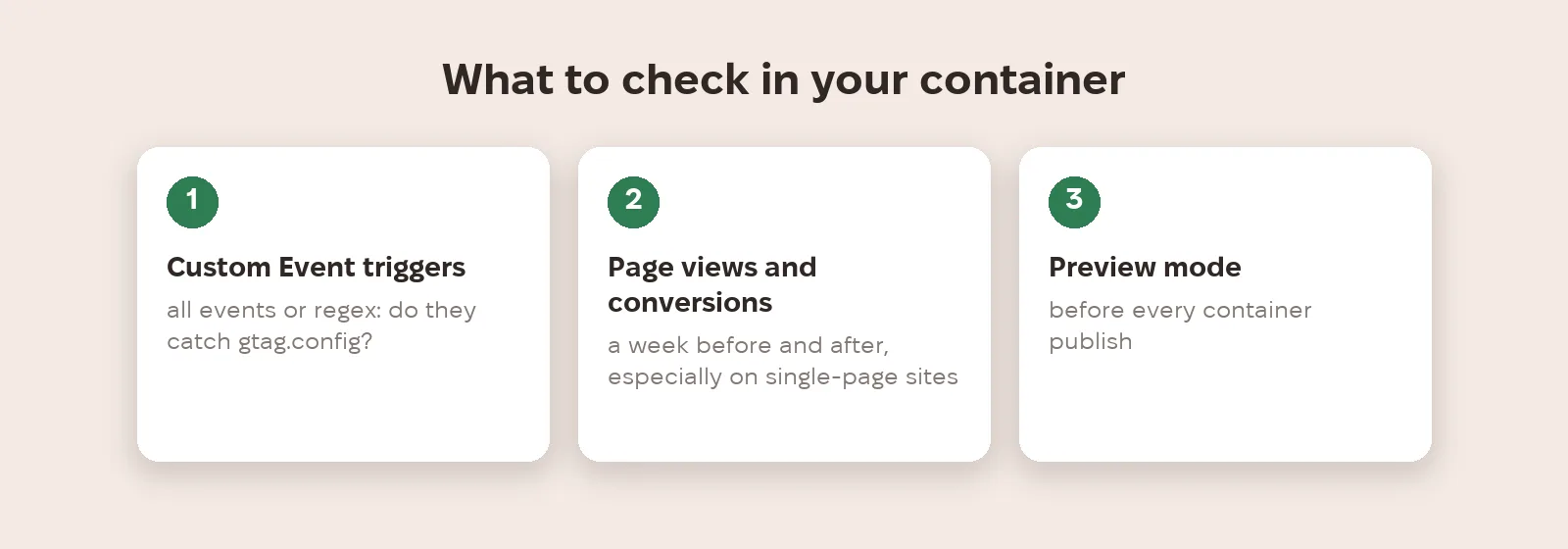
Check Custom Event triggers set to all events or a regular expression: since the 8 October change, gtag.config events may start matching them. Compare page views and conversions for a week before and after the update, especially on single-page sites. Use Preview mode before publishing changes. And if you use tag gateway, confirm data is arriving in Tag Assistant.
What to do now
- Find Custom Event triggers set to all events or a regex and exclude gtag.config if you don't need it.
- Compare page views and conversions for a week before and after the October changes.
- On single-page sites, check whether page views rose because of back/forward cache restores.
- Test changes in Preview mode before publishing the container.
- If you set up tag gateway, confirm data delivery in Tag Assistant.
Metriverra shows GA4 and Google Ads events and conversions daily, so a sudden jump or drop after a container update is visible straight away.
In short
- Google brought Tag Manager's capabilities to the Google tag; containers no longer need gtag.js as an intermediary.
- Visual event tagging arrived, without manual tags and triggers.
- 8 Oct 2026: config commands become gtag.config events and can fire triggers.
- 9 Nov 2026: page views are also recorded on back/forward cache restores.
- Tag gateway has been generally available since 1 June 2026.
Sources: Google Tag Manager — Release notes · Google — Google Tag Manager: New for 2026